

Set Up Your First Chat in SillyTavern: Persona, Characters and Memory
Write a persona, import a character card, and turn on Summarize so the AI remembers long stories.
Once SillyTavern is installed and connected to an AI, three settings make the biggest difference: your persona, your character, and how much the AI remembers.
1. Write your persona
Your persona tells the AI who you are. SillyTavern puts it wherever a character card says {{user}}.
Click the Persona Management icon in the top bar, click Create, give it a name, and write a short description. This template works well:
[{{user}} = (your name)
Appearance = (hair, height, style)
Personality = (temperament, quirks, MBTI if you like)
Occupation = (job, school, role in the story)]
Keep it to a few lines. Short descriptions leave more room for the chat itself.
2. Get a character
Characters come as character cards: PNG images or JSON files with the description, personality and first message built in.
The SillyTavern Bot Collection has hundreds of cards shared by the SillyTavern TH community.
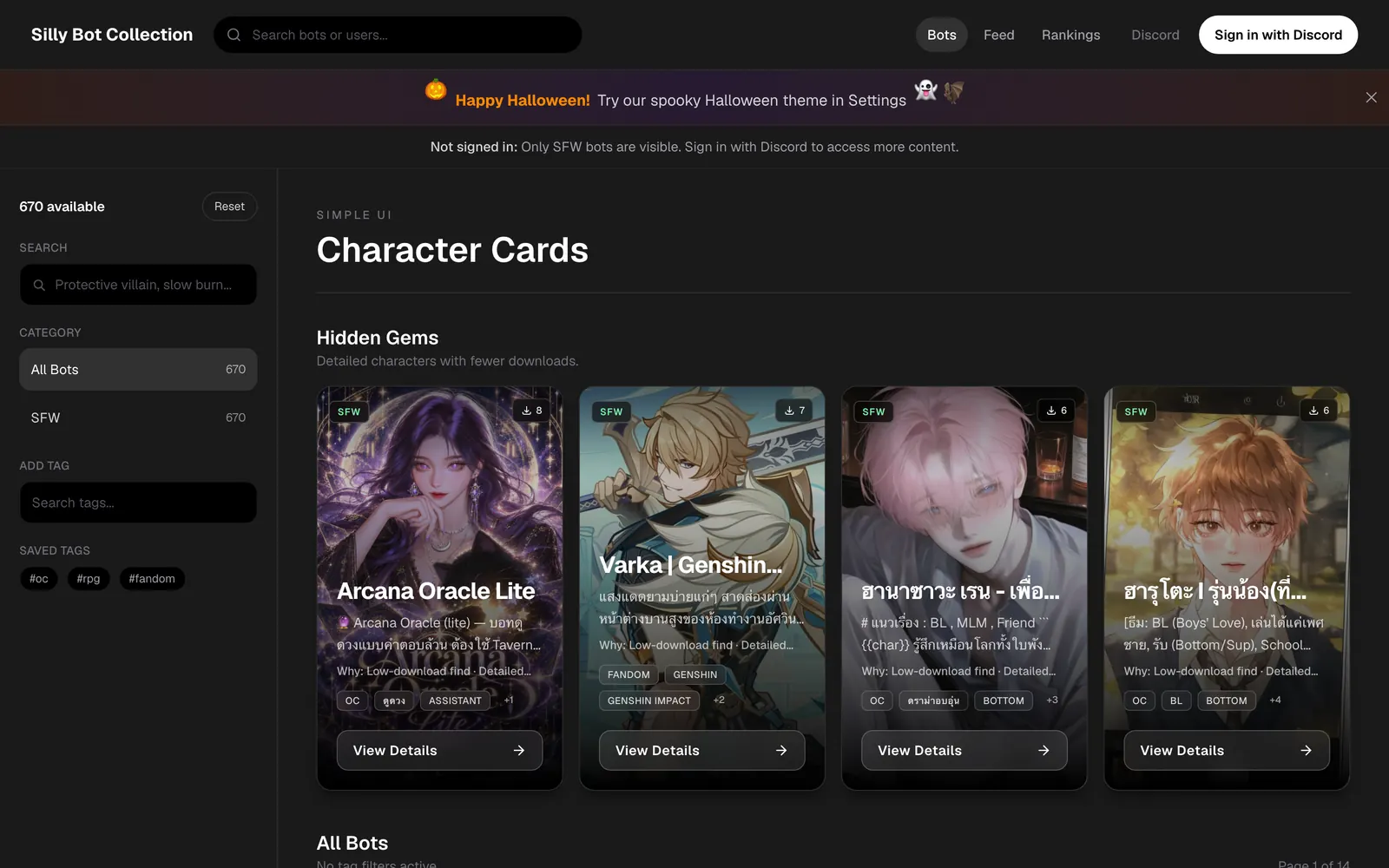
To add one, click the Character Management icon (the ID card at the right of the top bar), click Import Character from File, and choose the card. Click the character to start chatting.
To make your own, click Create New Character and fill in the name, description and first message. The first message sets the tone more than anything else. Write it in the language you'll chat in, since a Thai description gets better Thai replies.
3. Turn on Summarize
A model can only read part of a long chat at once, so early events get forgotten. Summarize keeps a running summary that the AI always sees.
Open a chat, click the Extensions icon (stacked cubes), open Summarize, and choose Main API as the source. Leave it on automatic, or summarize every 20 to 30 messages. You can edit the summary there if the AI gets something wrong.
Habits that help
- Swipe the last reply (the arrows) to see other versions.
- Edit a reply with the pencil icon to steer the story.
- Keep Max Response Length around 2,000 tokens for faster, cheaper replies.
- When a story gets very long, start a new chat and paste the summary into your first message.
A local SillyTavern keeps chats on one device. To continue the same story on your phone and computer, try Rolezy Plus. Questions go in the SillyTavern TH Discord.