

How to Use SillyTavern on iPhone and iPad
iOS can't run SillyTavern itself, but you can use a hosted one in Safari and add it to your Home Screen like an app.
There's no SillyTavern app for iPhone, and iOS doesn't allow the terminal apps Android uses to run it. Instead, you open a SillyTavern that runs on a server, in Safari. It works the same way.
Option 1: Rolezy, free
Rolezy hosts SillyTavern for free on a shared server. It's the quickest way to try it.
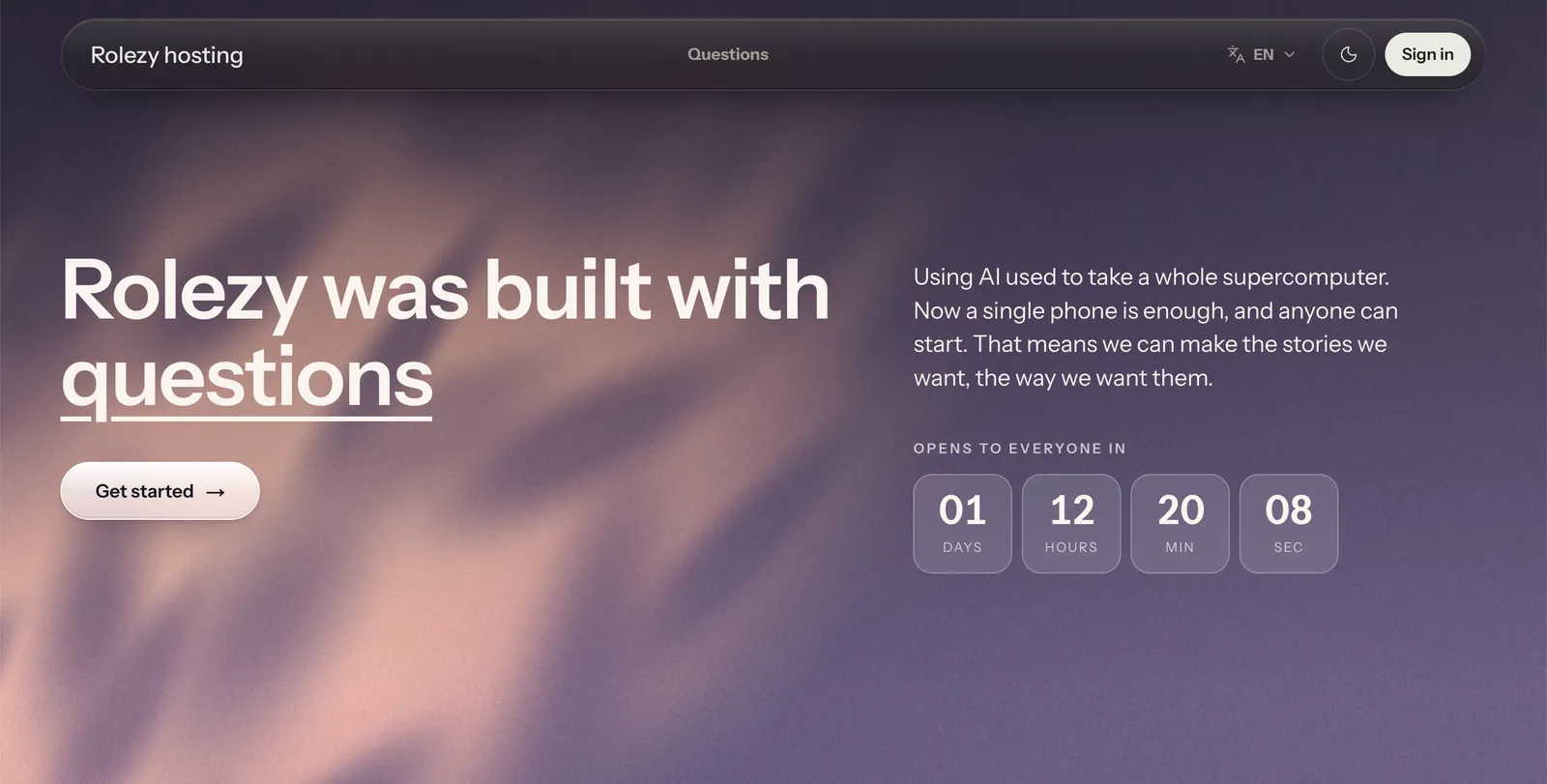
- Open account.rolezy.com in Safari.
- Sign in with Discord or Google.
- You land in SillyTavern. Connect an AI model and start chatting.
Option 2: Rolezy Plus, 49 THB
Rolezy Plus is your own quieter SillyTavern instead of a shared one. It costs 49 THB for 30 days, with no automatic renewal, and up to 15 people can share it. We keep it updated for you, and the same chats open on your iPhone, Android phone or computer.

Add it to your Home Screen
- Open your SillyTavern in Safari.
- Tap the Share button (the square with an arrow).
- Tap Add to Home Screen, then Add.
SillyTavern now has its own icon and opens full screen. The same steps work on iPad.
Next steps
Connect an AI model, then set up your first chat.
Questions
Can I install SillyTavern with iSH or a-Shell?
Not in a way you'd want to use. Those apps run SillyTavern's Node.js far too slowly.
Can I bring my chats from another SillyTavern?
Yes. Your data is in the data/default-user folder of your old install. Ask on the Rolezy Discord and we'll help you move it.